
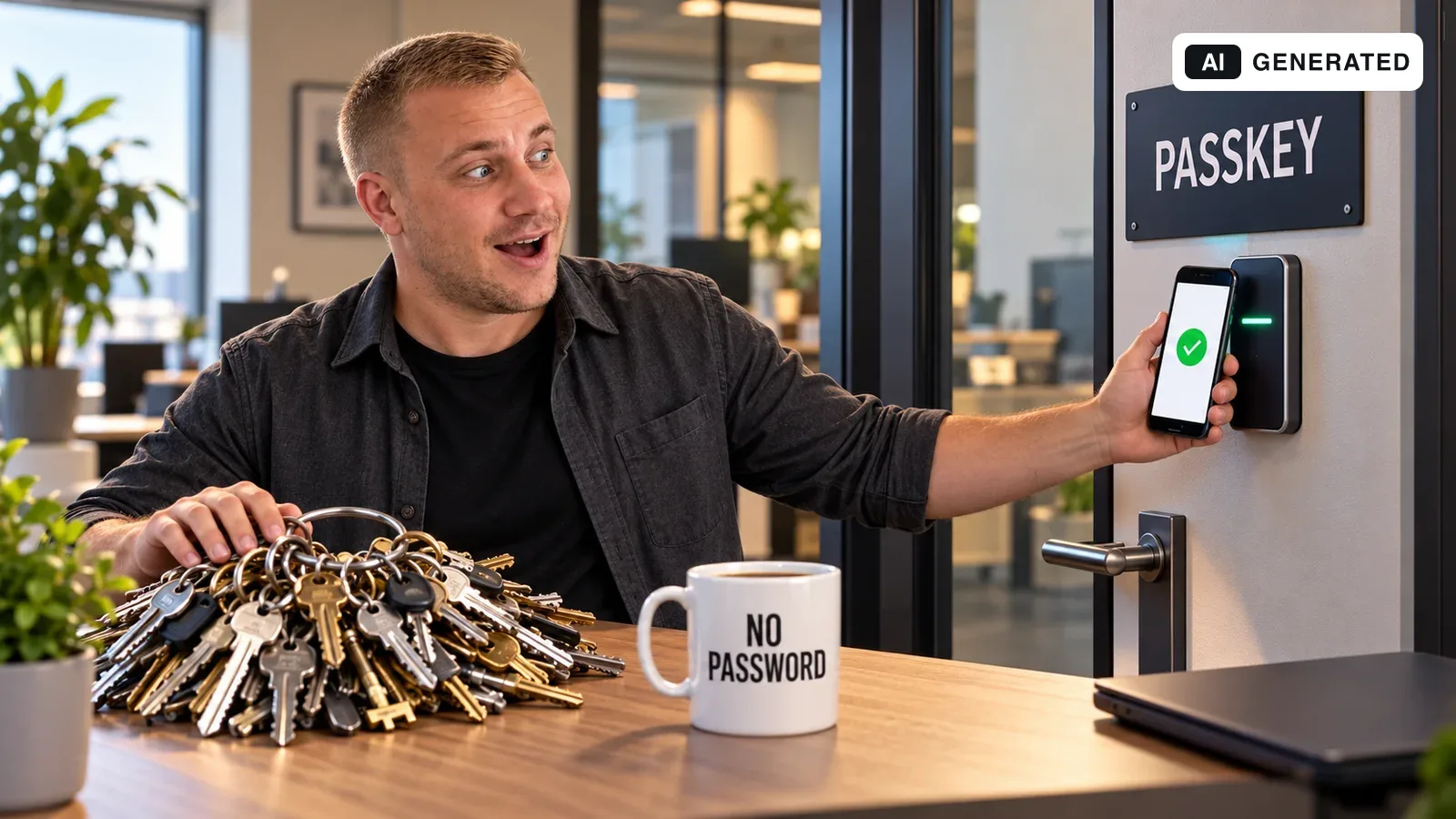
The essentials in 60 seconds / tl;dr
- Passkeys enable sign-in without a shared password. Approval can use a device PIN or fingerprint, for example.
- Binding the credential to the service protects against conventional fake sign-in pages. Your portal does not receive biometric data.
- Lost devices, additional passkeys and secure alternative routes must be addressed before launch.
- For existing customers, an optional, tested introduction is usually more useful than an immediate forced switch.
01
What actually changes for users
Instead of typing a password, the person approves sign-in on their device. Depending on the device, this can use a fingerprint, face recognition or PIN. The portal receives neither fingerprint data nor a face image. Passkeys are bound to the service, making them resistant to conventional phishing sites.
A passkey is not a password the operator can display. Authentication uses a key pair: the portal stores the public part, while the corresponding private part is held by the authenticator or passkey provider. The server verifies a signed response to a fresh challenge.
02
Which portals benefit?
My recommendation is to start with services where customers return regularly, manage sensitive account information or frequently need sign-in help. Examples include service portals, booking platforms and companion apps. A public blog without user accounts does not need passkey sign-in.
Define a measurable goal, such as fewer abandoned sign-ins or recovery enquiries. These are project goals, not guaranteed savings. Infrequently used accounts and shared devices need especially careful testing.
In 2026, Chrome presented guidance on passkey management and integration with existing sign-in experiences. The important implication for operators is that users need to understand and manage their credentials, not merely sign in successfully once.
03
What if someone loses their phone?
Synced passkeys can be available on other devices through their provider. Device-bound passkeys, such as those on a security key, remain tied to that authenticator. Regaining access therefore depends on the alternatives already configured and the provider’s recovery process.
For the portal, I recommend allowing multiple credentials, understandable names and removal of old credentials. Registering an additional passkey and changing account details should require appropriately strong reauthentication. A stolen session should not silently become permanent access.
The alternative route matters too
A secure sign-in does little good if support grants access based only on a caller’s claim. Define identity checks, handling of suspicious requests and notification of account changes. A basic password reset may remain the weaker route into the account.
04
My introduction checklist
These steps are a practical sequence, not a universal security certification.
Map the existing sign-in system
Identify account types, domains, apps, devices and support procedures. Treat administrator accounts separately. For enterprise SSO, first examine the existing identity provider’s capabilities.
Implement real server verification
Use an established WebAuthn library or suitable identity provider. Verify the challenge, expected origin, relying-party identifier and required user verification on the server. A fingerprint button in the frontend is not enough.
Make the first stage optional
Offer passkey creation after secure authentication. Retain appropriately protected existing sign-in routes during the transition and explain them clearly.
Test loss and change
Try a new phone, a lost security key, multiple accounts and unsupported browsers. Cancelling should return to a comprehensible sign-in route, not a dead end.
Evaluate a pilot group
Monitor success rates, abandonment and support cases without logging credentials. Expand the rollout only after reviewing the results.
05
Example: a returning customer
Fictional example: after signing in normally, a customer chooses to create a passkey. On their next visit, the sign-in form offers the appropriate credential. Device approval returns them to the same account with the same permissions.
When they change devices later, testing must cover the inconvenient case too: the passkey is not yet available there. They then need another previously configured credential or the agreed recovery route. Only when this works as well is the introduction ready for everyday use.
06
Quick answers
Are fingerprints or face recognition mandatory?
No. Depending on the device and method, a device PIN can also be used. The integration determines the specific user-verification requirements.
Can I disable all passwords immediately?
That is not a sound blanket recommendation. Check device coverage, alternatives, recovery and actual adoption. Going fully passwordless is a separate migration decision.
Does this secure the entire portal?
No. Passkeys protect part of authentication. Permissions, sessions, account recovery and the application itself still need protection.