
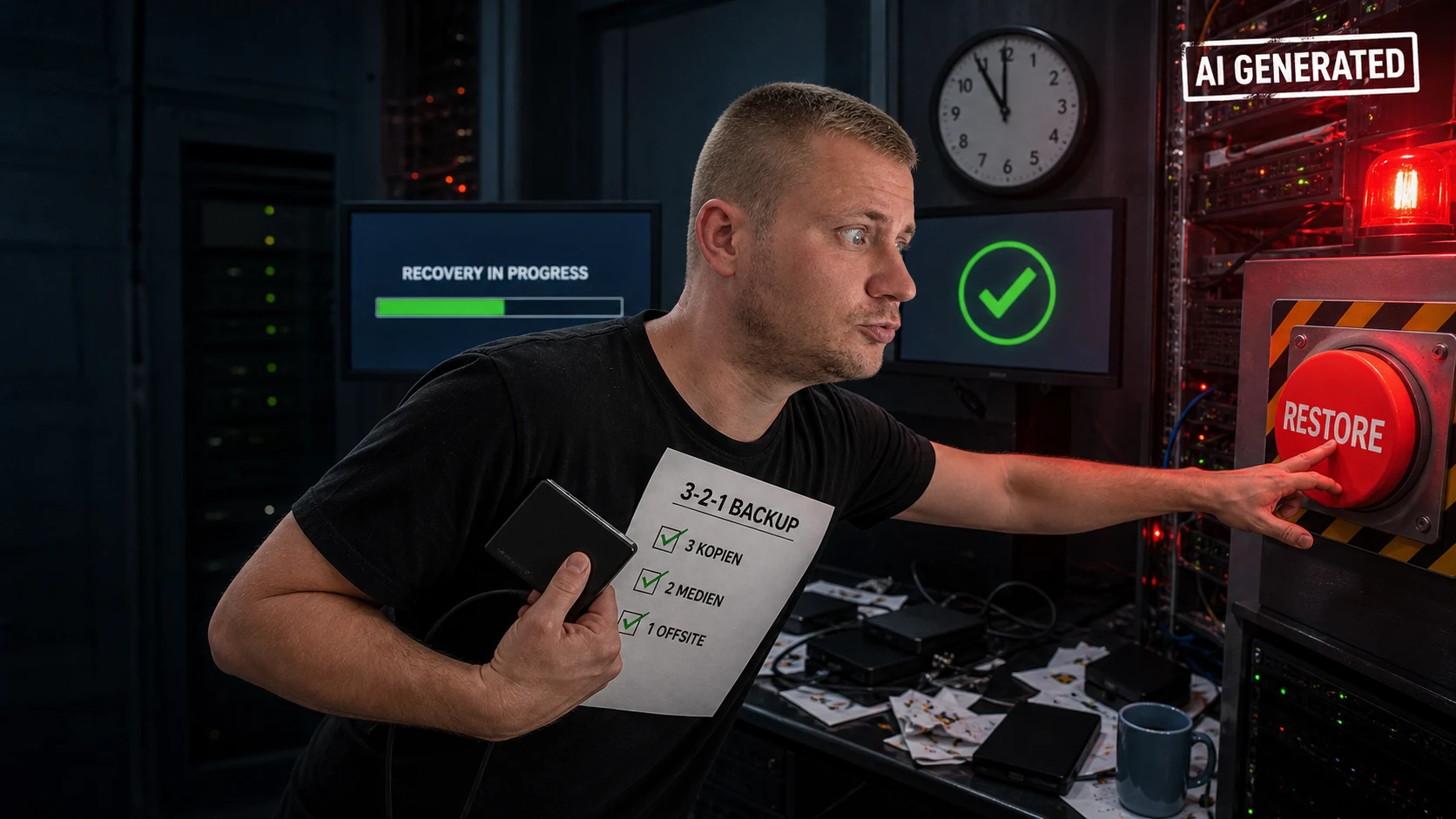
The most important points in 60 seconds / tl;dr
- A backup is a copy. A recovery plan also defines owners, order, access, validation and communication.
- RPO answers: how much data loss is acceptable? RTO answers: how quickly must the service be usable again?
- The 3-2-1 rule is a strong starting point: three copies, two different media or systems, one copy separated from the primary site. Ransomware resilience also needs protection against deletion and overwrite.
- A green backup job does not prove recoverability. A documented restore test shows whether data, configuration, dependencies and time targets work together.
- With cloud services, data inventory, access, export, secrets and a tested way back remain your own responsibility. A provider SLA is not your recovery evidence.
Sources: BSI: step-by-step guide to data backup · BSI IT-Grundschutz Compendium: backup and recovery
01
A backup is a bet on the past
A backup initially answers only one question: which copy of the data exists? In a real incident, more questions matter: Is the copy clean, reachable and readable? Which infrastructure must come first? Who may start recovery, and who confirms that the service works again?
That is why a backup is not a recovery plan. A recovery plan connects copies to a verified sequence. It turns a dashboard promise into a route back to an operating state.
Backup
An additional copy of data or state. It is the foundation, but not proof that recovery works.
Replication
A live or near-live mirror. It can reduce downtime, but it may copy errors, encryption or deletion just as quickly.
Recovery
The controlled path from a trusted backup point to a usable service, including validation and handover.
These terms are often mixed in day-to-day conversation. Planning should document and test them separately.
02
What must return first?
Before choosing tools, create a small and dependable inventory. Without priorities, an incident team works on the loudest problem, not necessarily the most important one.
Business-critical services
Which application stops revenue, production, support or required processes when it fails?
Data and state
Which data must return, which can be recreated and which cannot be missing?
Dependencies
Identity, DNS, certificates, secrets, databases, queues, third parties and network access belong on the same map.
Owners
Each service has an owner and a deputy who can confirm priority, recovery and functional acceptance.
Manual fallback
Which limited workaround keeps operations moving while a downstream service is restored?
The smallest useful starting point
Pick one important system. Record where its data and configuration live, who may start recovery, which dependencies come first and how the business recognises “usable again”. That is already a testable first runbook.
03
RPO and RTO make recovery measurable
Two simple targets prevent vague expectations. They are planning targets, not guarantees, and must be tested.
RPO: Recovery Point Objective
How far may the recovered data state lag behind the incident? An RPO of 15 minutes means roughly 15 minutes of new data may be missing at most.
RTO: Recovery Time Objective
How long may it take until the service is usable under an agreed definition? “The server is running” is not always the same as “people can work”.
| Example | Target | How to verify |
|---|---|---|
| Order intake | RPO 15 min | The latest order and dependent data are no more than 15 minutes old. |
| Internal archive | RPO 24 h | The latest daily state is present and readable. |
| Customer portal | RTO 2 h | Login, the core function and data access work within two hours. |
A target that is not measured is only a hope. A recovery test should record actual duration and actual data freshness.
04
3-2-1 is a starting point, not the finish line
The BSI describes the 3-2-1 idea as a resilient orientation for backups. It reduces the risk that one failure affects every copy at once.
3 copies
At least three available data states, including the primary. Multiple generations help with unnoticed corruption.
2 media or systems
Not every copy should depend on the same storage, account or permission model. Different failure domains matter more than another folder.
1 separated copy
One copy is logically or physically separated. Offline, immutable or separately credentialed storage makes common deletion harder.
- Backup administrators and production administrators do not automatically use the same identity.
- Deletion and overwrite are limited, logged and, where appropriate, protected by retention periods.
- At least one copy is isolated from production access and common ransomware paths.
- Failures, failed jobs, unusual deletion and missing capacity create an owned alert, not just a log line.
- Encryption protects a copy, but keys and recovery access should not live in the same destructible zone.
Important for ransomware
A mirror is not protection if it immediately copies encryption or deletion. Recovery needs a known, trusted and sufficiently old restore point.
05
Recovery needs a runbook
Under pressure, people should not reconstruct the sequence from scattered chat messages. A runbook may start incomplete, but it must be tested and improved after every test.
1. Stop spread
Isolate affected systems, suspend suspicious access and avoid overwriting a copy before the situation is understood.
2. Preserve facts
Record time, affected versions, symptoms and available restore points. Mark assumptions as assumptions.
3. Build a trusted base
Provide identity, network, operating system, container or platform in a clean order.
4. Load data in dependency order
Restore base services and databases, then applications and integrations. Each step gets a visible verification result.
5. Validate with the business
An owner checks real core flows, permissions, data freshness and external hand-offs. A running process is not automatically a usable service.
6. Handover and observe
Operations keeps watching logs, errors and data flows. Constraints and next actions are communicated to users and leadership.
Technical miniature
A restore command is always environment-specific. As a documentation pattern, a runbook can record a target state and an isolated test environment:
restore --environment=staging --point=2026-08-18T02:00Z --verify-checksums
This is not a universal command and does not replace permission checks, malware analysis or business acceptance.
06
A restore test is the real quality check
The BSI calls for regular function tests and checks that backed-up data can be restored correctly and within an appropriate time. A test must not end at “the backup file exists”.
Tabletop test
People walk through an outage using the runbook. Missing owners, contacts and information become visible.
Partial restore
A representative service, database or tenant is restored into an isolated environment and checked by the business.
Recovery rehearsal
A realistic flow measures order, duration, manual steps, data freshness and the return to operations.
- Measured time to the first usable service and to full handover.
- Actual data state compared with the agreed RPO.
- Manual steps, missing access, broken dependencies and unclear decisions.
- Evidence that the restore point is readable, plausible and not merely present.
- Concrete fixes with an owner and a date for the next test.
If a test only turns the backup product green but no application starts with representative test data, recoverability has not been demonstrated.
07
Cloud and responsibility: the provider does not remove every task
Managed backup and cloud snapshots can be useful. They do not answer the questions about data, configuration, access, retention, dependencies and the way back to a usable environment.
Check the provider
What availability, retention, regions, isolation, recovery options and support times are actually described in the contract?
Document your side
Which data, secrets, configuration, images, certificates and external integrations must also be exported or rebuilt?
Test the exit path
Can the service start in another account, region or environment from a known state?
Questions to answer before an incident
- Who may start recovery if the main identity system is unavailable?
- How do you choose a restore point when the compromise time is uncertain?
- What costs and waiting times apply to a large data export?
- How are deleted accounts, keys and configuration restored?
08
What I can implement for existing systems
Existing software, apps and internal tools often do not need a complete rebuild. The first useful step is a small, testable recovery path.
Inventory
Map systems, data, dependencies and owners in a clear recovery map.
Targets
Define RPO and RTO with the business owners and turn them into testable criteria.
Restore test
Restore a representative point into an isolated environment, measure it and document gaps.
Runbook and hardening
Add missing exports, separated access, retention, alerts and repeatable steps.
This is technical implementation and preparation. 24/7 incident response, forensics and a fixed SLA are separate services and must be agreed explicitly.
09
The 10-point checklist
If several answers are “I do not know”, that is not a reason for panic. It is a clear improvement plan.
- Critical systems and data are inventoried.
- Every critical service has an RPO and RTO.
- Dependencies such as identity, DNS, secrets and databases are documented.
- Multiple generations and separate failure domains exist.
- At least one copy is protected from direct deletion or overwrite.
- Backup alerts are actively owned instead of merely collected.
- Recovery access also works when the normal administration path is down.
- A restore was tested with representative data in an isolated environment.
- Business acceptance checks real core flows, not only running servers.
- The runbook has owners, a deputy, time measurement and a next test date.
10
Frequently asked questions
Is a cloud backup enough?
Not automatically. It can be an important layer, but data, configuration, identity, secrets, dependencies, export and the actual restore must also be considered and tested.
Is replication the same as backup?
No. Replication helps availability but can carry faulty changes, encryption or deletion along. A backup needs independent, older and protected states.
How often should recovery be tested?
It depends on criticality and change. “Once at some point” is not a useful rule. Test again after architecture changes, new backup targets or critical updates.
Should the backup administrator have the same rights as the production administrator?
That is risky. Separate identities, limited rights and protected retention reduce the chance that a compromised production account deletes every copy.
What if the restore point may also be compromised?
Do not restore blindly. Isolate systems, preserve facts, check older points and involve suitable incident-response or forensic support when an attack is suspected.
11
Official sources and technical foundations
Primary sources used for this article, last checked on 18 August 2026.